The “Other Stuff” category is where the unexpected finds live—small gadgets, random lifestyle pieces, and items that don’t fit neatly into shoes, jackets or accessories. I used to dig through the raw Sugargoo spreadsheet looking for these, only to watch the page lag every time I tried to zoom a QC photo. That exact frustration is why I switched to this web version. It turns the spreadsheet data into clean product pages so you can browse mixed items, check the QC archive, and jump straight to the agent platform without the wait.
Start from the main hub anytime: Sugargoo spreadsheet 2026. The full Other Stuff collection is here: Sugargoo spreadsheet Other Stuff.
Why this category feels different
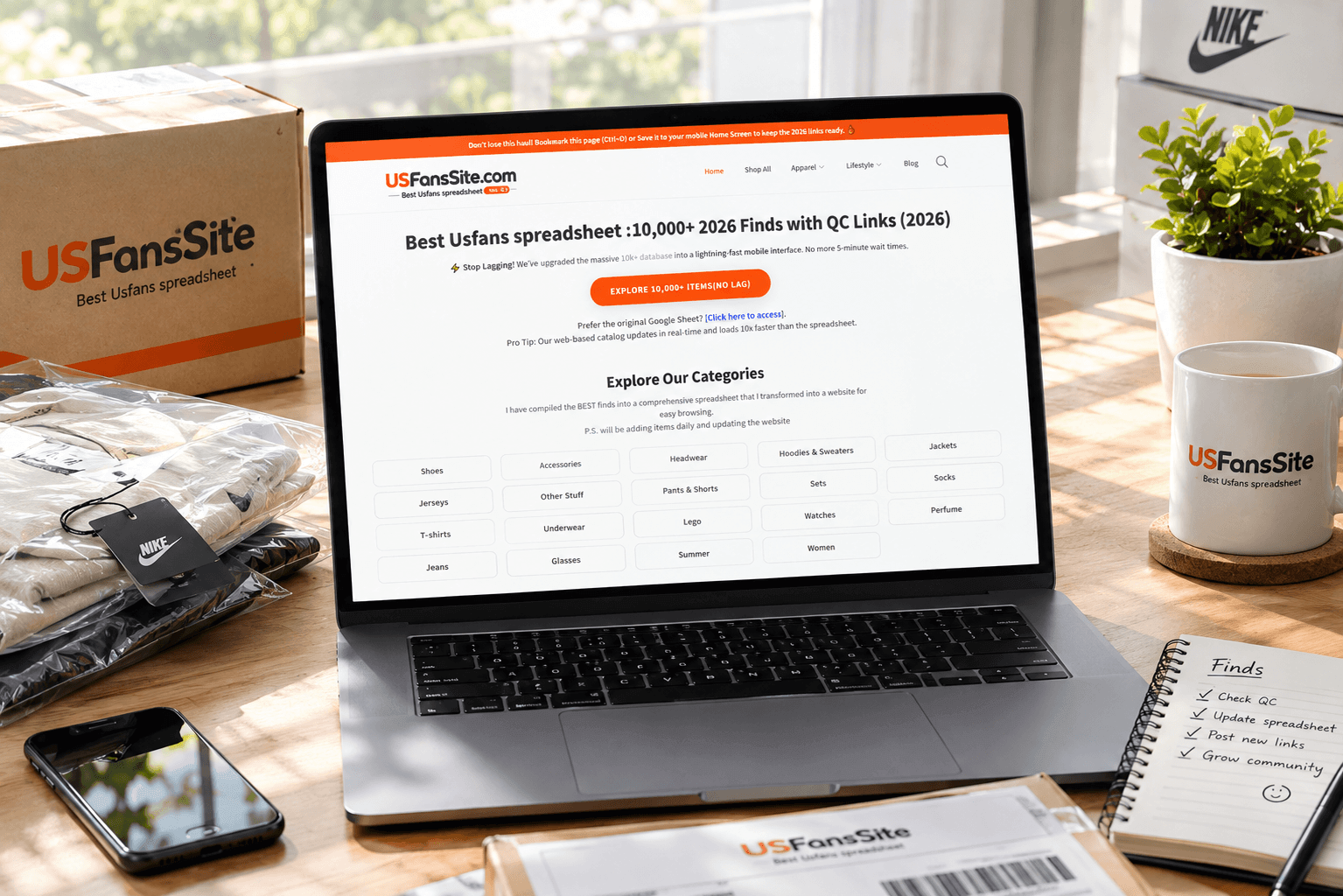
Because the items are mixed, the details that matter change from product to product—packaging strength, small-part clarity, material finish, or simple functionality. The web pages give each find its own card with photos and a direct external order button. You click, land on the agent side, and place the order there. No more copying seller links by hand or waiting for hundreds of rows to load.
I usually sort by newest first and open anything that looks useful or interesting. The QC archive photos become the filter: I check for clear shots of the item from multiple angles and how it is packed. Being able to pinch-zoom on my phone without the page freezing has already stopped me from ordering a few poorly finished or poorly packed pieces.
My everyday approach to Other Stuff
Open the category, scan the newest drops, and pick one or two items that catch my eye. Scroll the QC photos carefully—especially any small parts, logos, or packaging. Note the listed weight if available so I can estimate shipping. Then hit the external buy link and complete the order on the agent platform. Because these items vary in size, I often combine a couple of light pieces to make the parcel more efficient.
Service fee is charged at purchase as usual. Shipping is calculated by actual weight and volume at the warehouse stage. Storage stays free for a set window; after that a small daily fee starts. No hidden charges if you ship within the free period.
QC, mixed parcels and returns
Most agents linked from the site still provide free QC photos. For mixed items I specifically look for clear overall shots and close-ups of any important details. If something looks off—damaged packaging, missing parts, or poor finishing—you can request a refund or exchange before it leaves the warehouse. After shipping, any issues are handled through the agent’s normal after-sales process.
First orders in this category work best when kept small—one or two light items—so you learn the timeline and photo quality without risking a larger mixed parcel.
FAQ
Q: What kinds of items usually appear in Other Stuff?
A: A mix of lifestyle pieces, small gadgets, and finds that don’t fit the main clothing or footwear categories. I treat it as a discovery section and always check the QC photos before deciding.
Q: Are QC photos available for these mixed items?
A: Yes. Most linked agents provide free QC photos. Because the products vary, I often ask for extra angles if the default set is limited.
Q: How is shipping calculated when items are different sizes?
A: Shipping is based on actual weight and volume at the warehouse. Mixing light pieces usually keeps the cost reasonable. Heavier or bulkier items raise the rate, so I sometimes hold them and combine later.
Q: Can I refund after seeing the QC photos?
A: Yes. If the photos show damage, missing parts or poor finishing, you can request a refund or exchange before the item ships. The process is handled directly with the agent.
Q: What is the safest first order size in this category?
A: One or two light items. It keeps the risk and shipping cost low while you learn how the agent photographs and packs mixed finds.
Q: Is the mobile version practical for checking random small items?
A: The pages load quickly and the photos open full-size. Pinch-to-zoom is clear enough for most details. For anything with very small parts I still prefer a larger screen, but phone review works well for first screening.
That’s the practical way I use the Other Stuff section. Fast pages, clear QC archive, and one-click jumps to the agent make mixed-item shopping far less frustrating than fighting a slow spreadsheet. Bookmark the category, check the newest drops regularly, and you’ll spot the useful surprises before they disappear.